regiSTAR.com

The Star of Registrars

  • Home
  • Domain Names
    • Register Your Domain
    • Renew Your Domain Name
    • Transfer Your Domain
    • Domain Name Pricing
  • Web Hosting
    • Order Web Hosting
    • Web Hosting Renewals
  • Web Design
  • Tutorials
  • Support
  • Client Login
You are here: Home / Tutorials / How do I renew my Hosting Account?

How do I renew my Hosting Account?

To renew your any of your web hosting accounts, you must first log into your Client Area. Invoices for web hosting are generated weeks prior to the hosting account expiring and notices are sent to the email address associated with your account. For more information, please read “How do I log into my Client Area“.

Once you are logged into your Client Area simply click on the menu item titled Billing, then My Invoices.
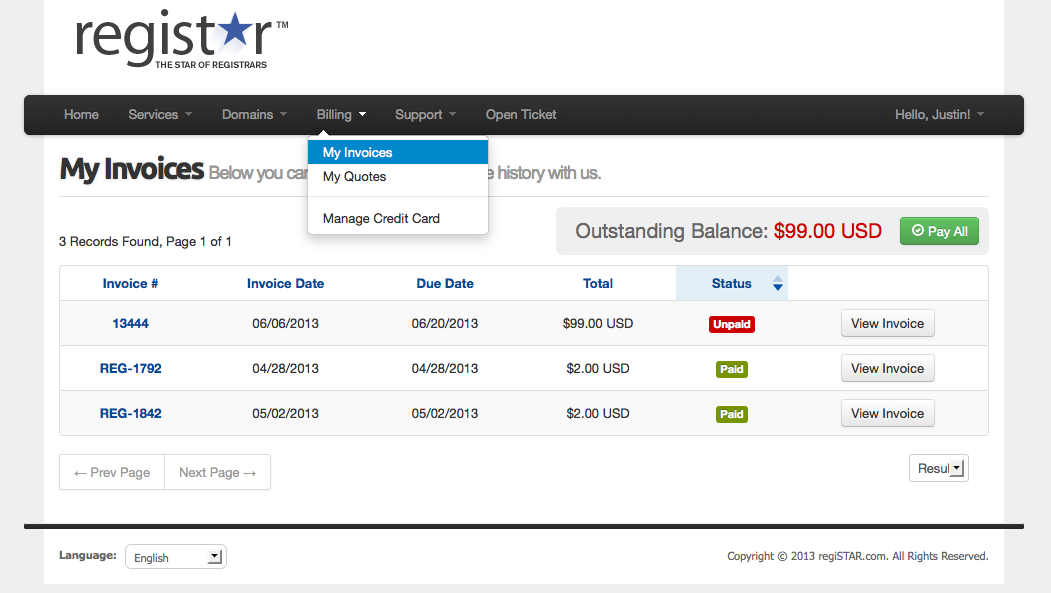
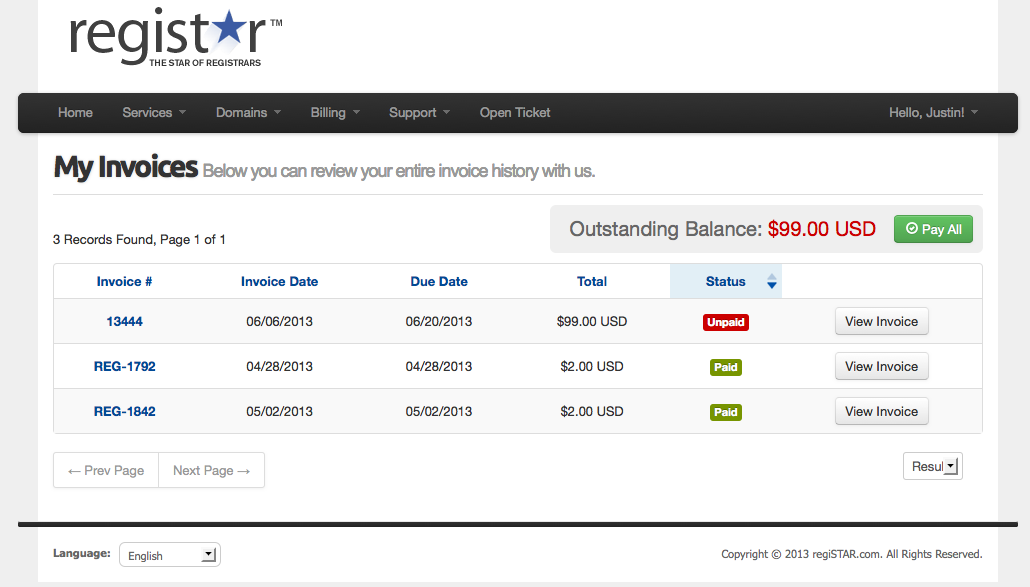
how-do-i-pay-my-inoivce-01how-do-i-pay-my-inoivce-02


If you have your web hosting account set to auto renew, you must have an existing credit card on file. To update your credit card information, please read “How do I update my credit card information?” as well as “How do I enable or disable Auto Renew”.

Need Expert Web Design?

Consider having us design your web site for you. Using WordPress, we can design a stunning and effective web site for our customers. Take a few minutes to allow us to discuss your need and get a free quote.

Learn more...

Become an Affliate

Earn money by referring others to us using our domain name affiliate program. To learn more about this program and get started earning money, visit our Affiliate Program page.

Learn more...

Connect With Us

Have Questions? Let us know...
24 Hour Email Support

Corporate Address:
RegiSTAR LLC
6130 W. Flamingo Rd. #827
Las Vegas, NV 89103 ยท USA
Phone: 888-858-6258
FAX: 916-848-3424
Hours: 8:30 am to 5:00 pm PST - Monday - Friday

Return to top of page

Copyright © 2026 · regiSTAR.com · All Rights Reserved.

Terms of Service